Exchange Online DLP - Block + Override
Microsoft Purview Data Loss Prevention policy demonstrating sensitive information detection, message blocking, notifications, and business justification overrides.
← Back to Phase ILab Overview
This lab demonstrates how Microsoft Purview Data Loss Prevention (DLP) policies detect sensitive information in outbound email, block transmission, provide policy tips to users, and allow approved business justification overrides.
Lab Information
Technology
Microsoft Purview
Microsoft Purview
Workload
Exchange Online
Exchange Online
Category
Data Loss Prevention
Data Loss Prevention
Difficulty
Intermediate
Intermediate
Architecture Flow
- User creates outbound email.
- Email contains sensitive information.
- DLP policy evaluates content.
- Policy triggers enforcement action.
- User receives policy tip.
- Message is blocked or overridden.
- Compliance events are logged.
Configuration Screenshot
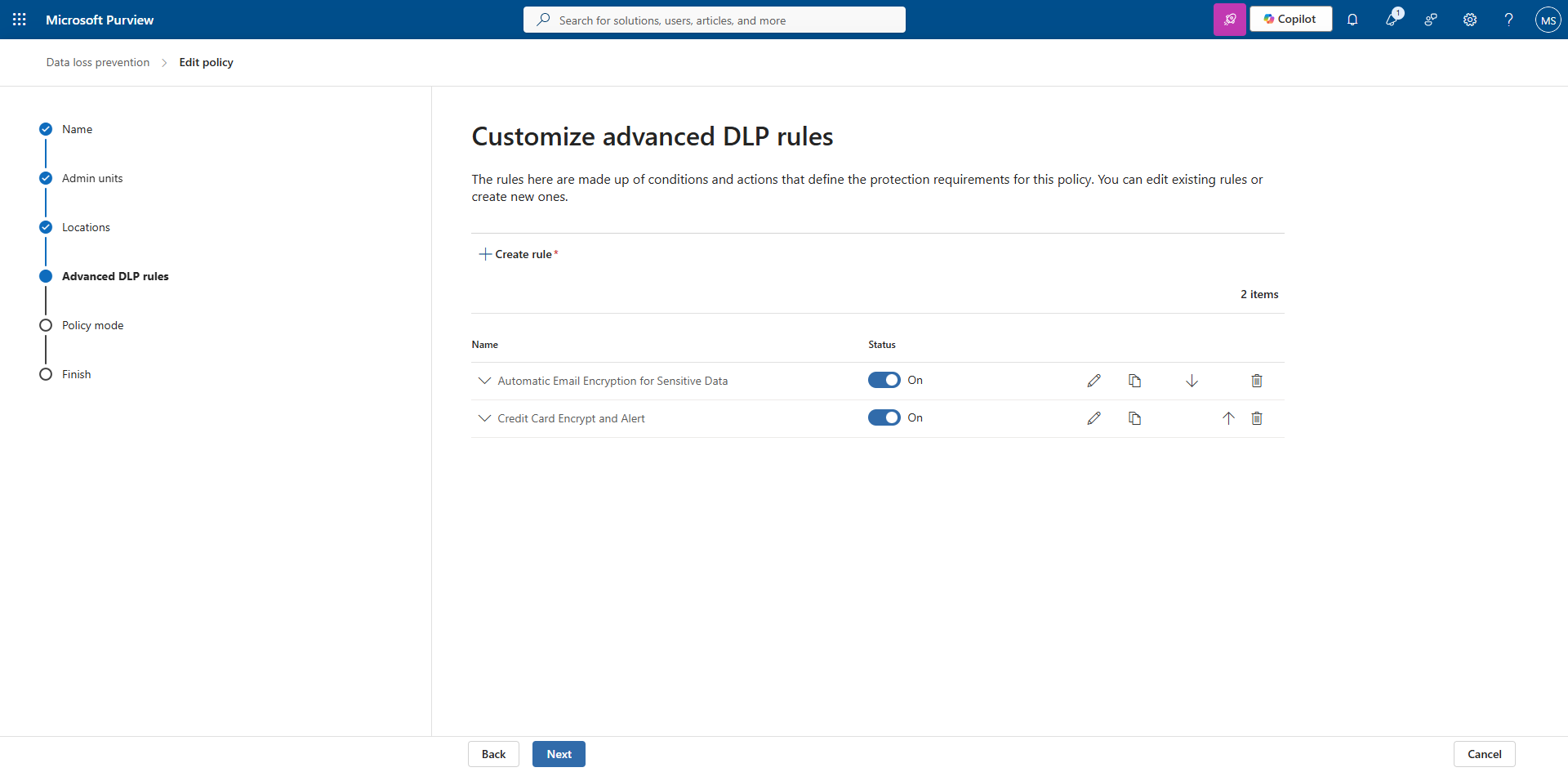
Click the image to view the full-size screenshot.
Example policy configuration showing DLP enforcement settings and rule processing.
Implementation Steps
- Create a new DLP policy.
- Select sensitive information types.
- Configure detection thresholds.
- Enable policy tips.
- Configure block and override actions.
- Publish the policy.
- Perform user validation testing.
- Review audit results.
Validation Checklist
- Email containing sensitive data triggers policy.
- Policy tip appears to user.
- Message blocking functions correctly.
- Override option is available.
- Business justification is recorded.
- Audit logs capture policy actions.
- Reports display enforcement activity.
Troubleshooting Guide
| Issue | Resolution |
|---|---|
| Policy not triggering | Verify policy has been published and replicated. |
| No policy tip displayed | Confirm supported Outlook client version. |
| Override unavailable | Review policy action configuration. |
| Audit records missing | effective protection against accidental data loss.